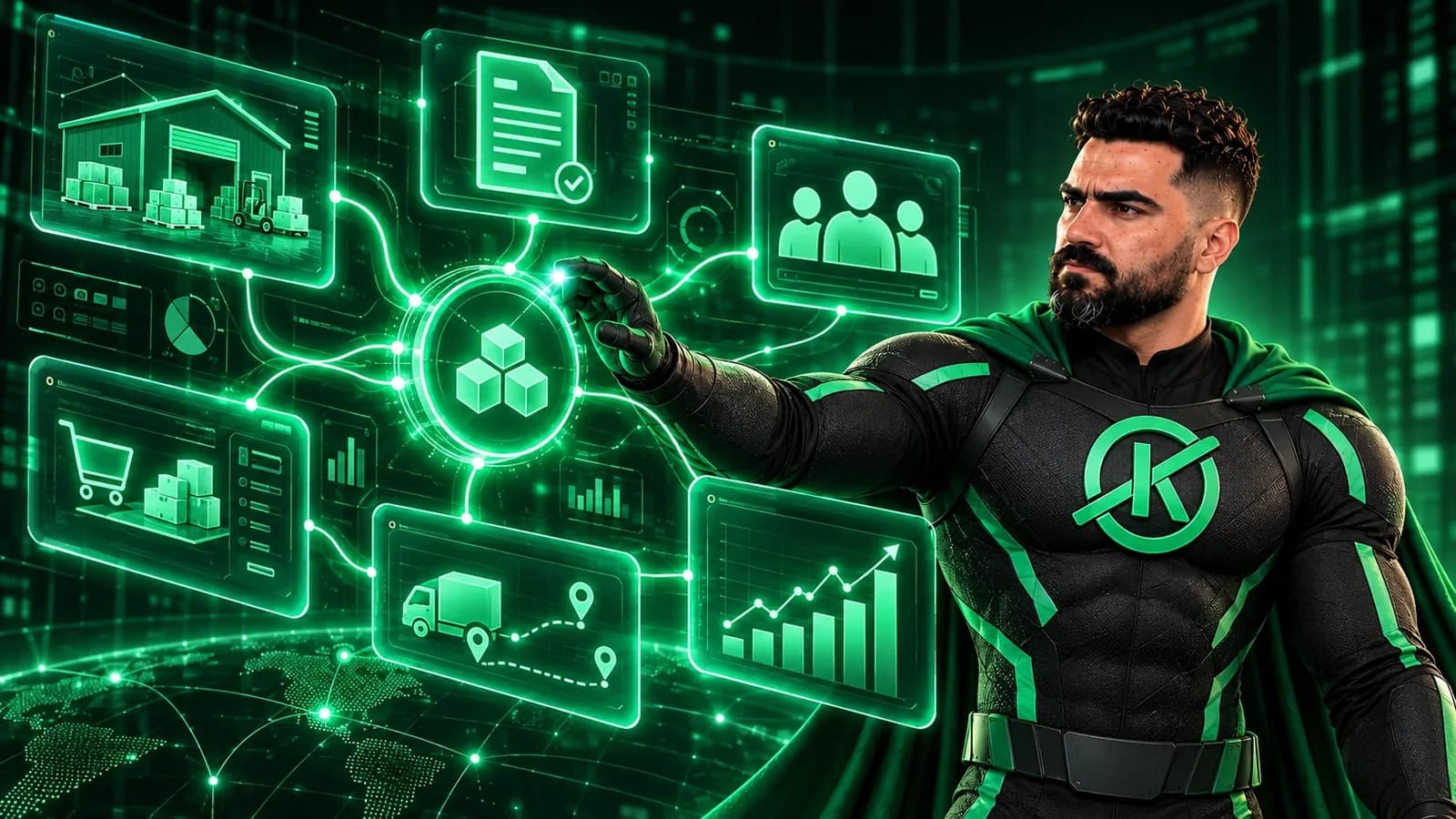
As a company grows, its data starts to scatter: sales in an Excel file, inventory in a notebook, accounts in a separate program, and staff passing information around on WhatsApp. That's where Enterprise Resource Planning (ERP) comes in: one integrated system for all of these operations. This article explains what an ERP system is, when your company needs one, and how to choose the right one.
What is an ERP system?
An ERP system connects your company's departments to a single database, so every team sees up-to-date information in real time. When sales records a new order, inventory drops automatically, the invoice is issued, and the revenue shows up in accounting, without anyone entering the data twice.
Key ERP modules
An ERP system is usually made of modules, and you turn on the ones you need:
- Sales and customer management (CRM): quotes, orders and customer follow-up.
- Inventory and purchasing: stock movements, low-stock alerts and purchase orders.
- Accounting and finance: invoices, expenses and financial reports.
- Human resources: employee records, attendance and payroll.
- Reports and dashboards: clear KPIs that help management make decisions.
When does your company need an ERP?
It may be time if you notice one or more of these signs:
- Your team wastes time entering the same data in several places.
- You keep finding mistakes in inventory or invoices.
- Getting an accurate report on how the business is doing takes too long.
- The company is growing with new branches or staff, and your current tools can't keep up.
Off-the-shelf or custom ERP?
| Criteria | Off-the-shelf | Custom |
|---|---|---|
| Time to start | Faster | Needs development time |
| Fit with how you work | You adapt to the system | The system adapts to you |
| Subscriptions | Usually ongoing fees | You own the system |
| Growth and changes | Limited to what the vendor offers | Flexible to your needs |
Off-the-shelf systems suit standard operations, but if your company works in its own way, a custom ERP system is built around your real processes instead of forcing you to change them, and it can connect to your website, app and online store.
How to start the right way
Start with the processes that cost your team the most time or cause the most mistakes, build a first module for them, then add the others step by step. This keeps cost and risk down and helps your team get used to the system gradually.
Thinking about an ERP for your company? Get in touch and we'll study how you work and recommend the right system for your company's size and needs.